
Three Steps to Print
Enter Reference Number
View Outstanding Dues
Download PDF Copy
Locate the official 14-digit number on your previous physical bill and enter it here without any spaces or hyphens.
Check your outstanding billing amount, official due date, and late payment surcharges directly from the database instantly.
Click the download button to save a secure, printable PDF duplicate copy of your electricity bill on your mobile device.
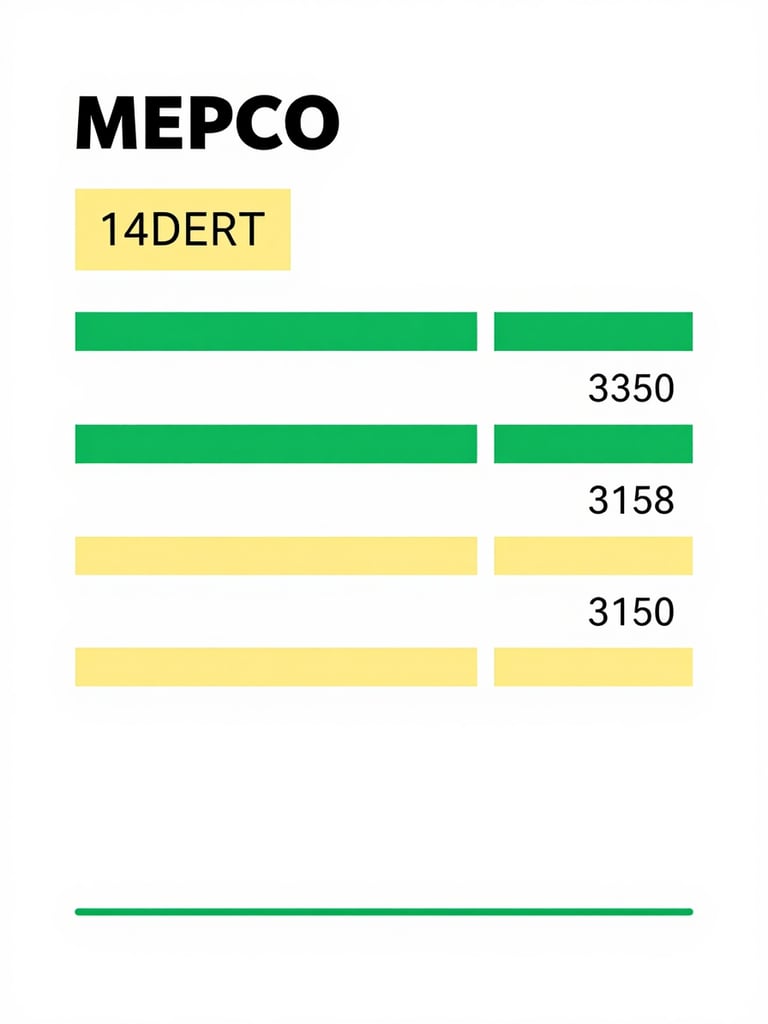
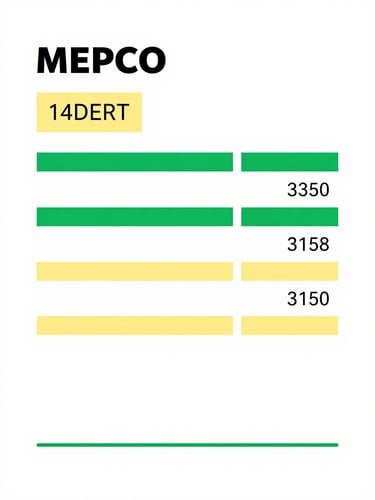
Locate Your Reference Number
Your 14-digit reference number is printed in the top-left section of your physical MEPCO bill, right above your name and address. It is formatted with sub-division and account numbers.
Make sure to copy all 14 digits exactly as shown, omitting any spaces, hyphens, or letters. This ensures our tool can query the database and retrieve your official duplicate copy instantly.
Never Miss a Due Date
Bookmark this page on your mobile device to check your monthly electricity bills instantly. Avoid late-payment surcharges with quick, one-tap duplicate bill downloads.
MEPCO Bill Online
Instant duplicate bill downloads for the Multan region
Home-How to Find-About
© 2026 MEPCO Bill Online-An independent utility tool for Southern Punjab.
MEPCO DUPLICATE BILLS